Resetting Portal Password (Through Osprey)
Updated Feb 18th, 2026
This guide will assist you reset clients and associates passwords for the web portal
How to reset a clients password
Navigate to Case Management > Clients > Client portal > Enable client access
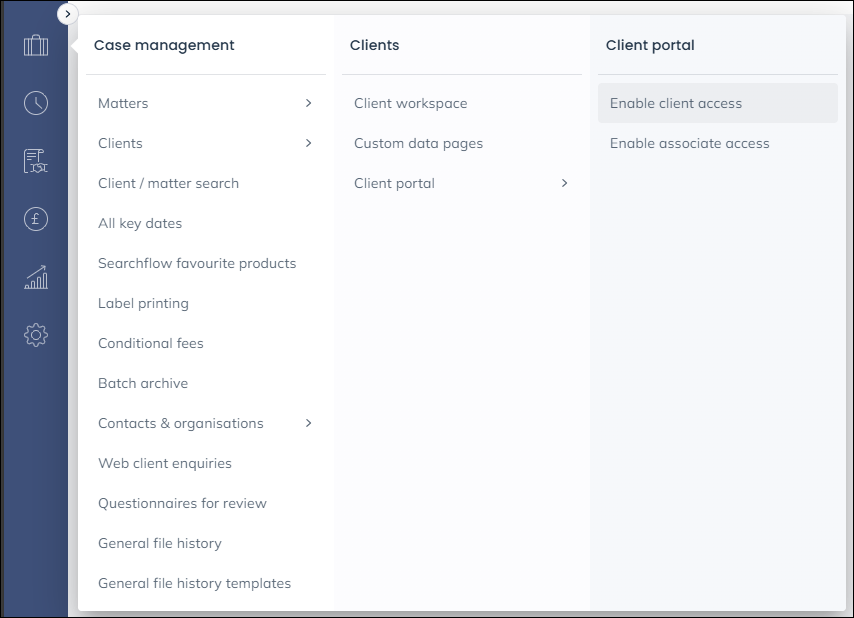
Click the reset password tick box and then click Save
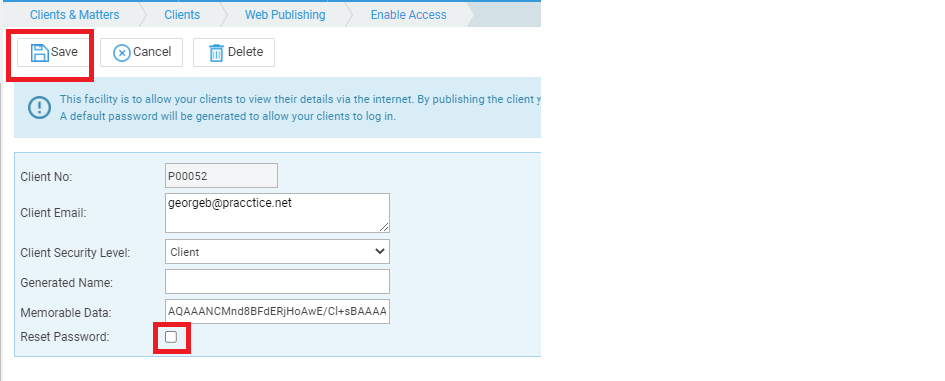
An email will be sent to the client with a one time password to use. When they log in with it they will be prompted to set a new password.
How to reset an associates password
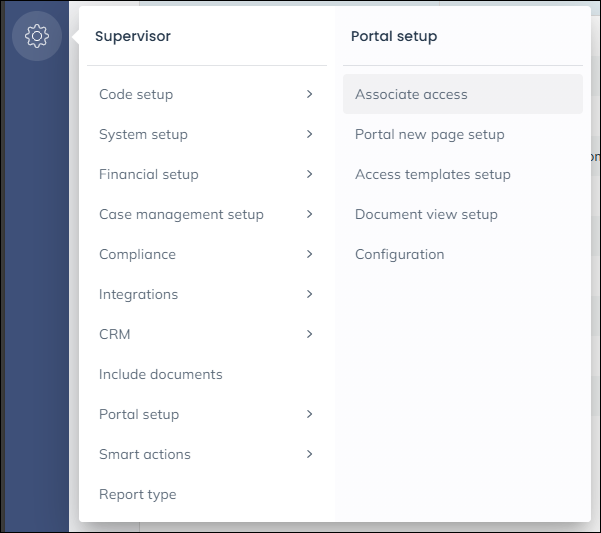
Navigate to Supervisor > Portal setup > Associate access
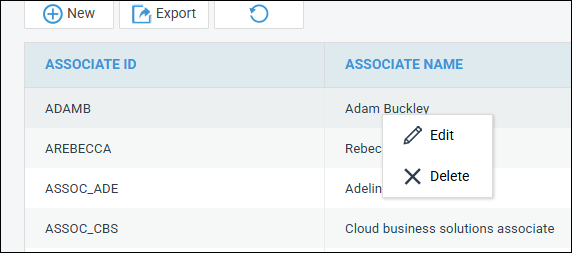
Right the associate in question and choose Edit
Click Reset password and click Save
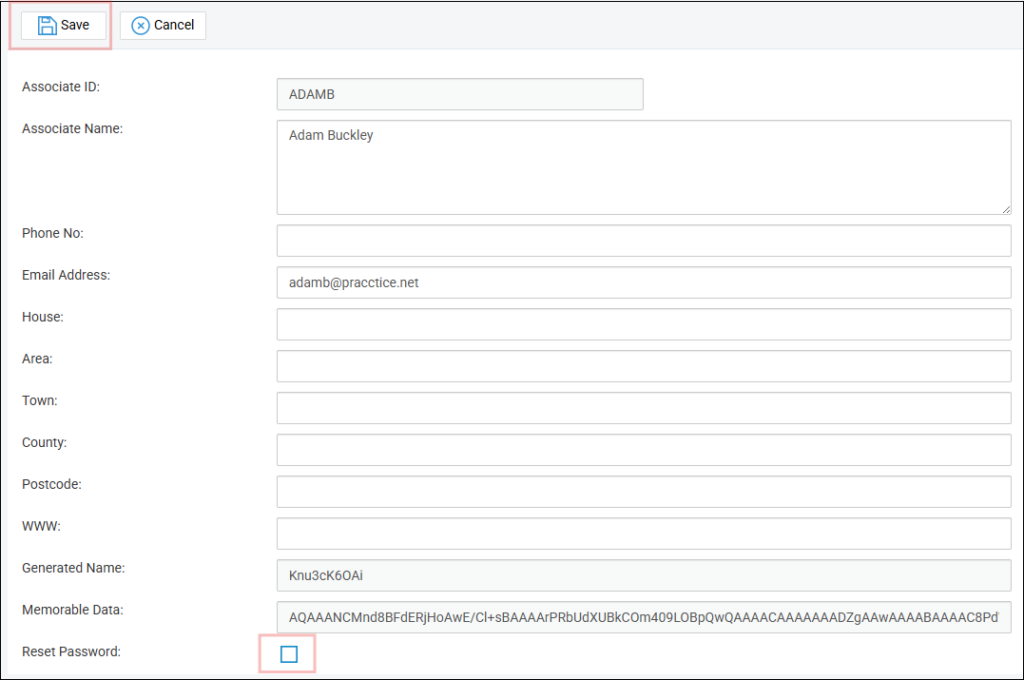
An email will be sent to the client with a one time password to use. When they log in with it they will be prompted to set a new password.