Reports: Client Reconciliation
Updated Nov 17th, 2026
Who is this guide for?
Accounts Users and Accounts Supervisors
This guide will take you through the Client Reconciliation report
Compares the client ledger balance figures with the client bank cashbook balance (i.e. NOT bank balance) and deposit account balances and reports if in balance or not. If you have any issues with the client reconciliation balancing then please call our support team for assistance.
Looking for a different report? The Standard Reports List > gives a short description of every standard report in Osprey.

Filter Options
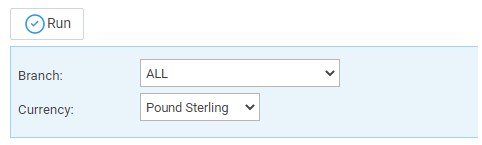
- Branch – All or selected branch
- Currency – drop down list of available currency
List of Columns produced
- Description – the description for the row.
- Journal value – the total for the Bank/Deposit Account side of the transactions.
- Ledger value – the total for the Client Ledger Balance side of the transactions.