v1.5.6 release notes
Updated Dec 8th, 2025
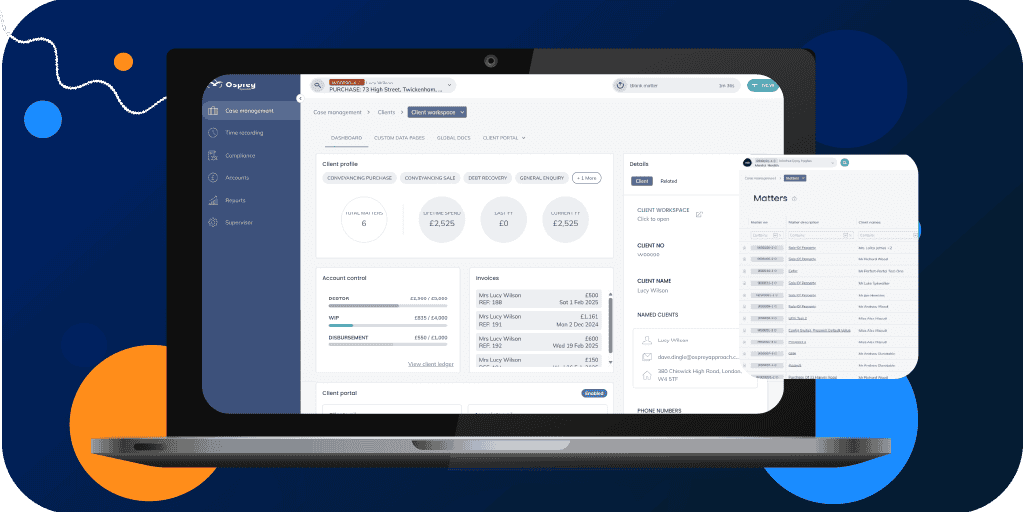
This update introduces several improvements to make Osprey easier and clearer to use. The release includes a new banking integration (powered by Plaid), better visibility of matter undertakings, the ability to print matter notes, and support for client numbers that include slashes. Fee earners can now also set the initials shown in their avatar icons. A number of small fixes and improvements have also been included to help reduce errors and improve everyday use. Email-related development work is part of this release but is not yet accessible to users.
Matter undertakings
Osprey already supports undertakings through linked matters. Around a quarter of customers currently have the necessary custom data pages to use this feature.
This update improves how undertakings are shown and managed:
- If a matter has undertakings, you will now see a clear status pill at the top of the page, showing either “Outstanding undertakings” or “Undertakings complete.”
- This status also appears in the matter drawer and in the details panel of the matter workspace.
- Users cannot access the archive option if there are outstanding undertakings.
- If someone reaches the archive page another way, they will now see a warning explaining that undertakings are still outstanding. They may still choose to continue, but the risk is clearly highlighted.
- A new undertakings page has been added so users can view all undertakings in one place.
These changes are designed to prevent matters from being archived prematurely and to provide clearer visibility of outstanding work.
Matter workspace improvements
- Fixed an issue on the Matter Workspace dashboard where the link to the next workflow task sometimes led to the wrong URL.
- Added lazy-load pagination to the Time Recording Drawer lists of timers and postings. This allows users to see their full history of timers and postings and solves an issue where daily posting totals were sometimes incorrect.
- Added a new tab to the Matter Workspace navigation linking to the Custom Work Forms page.
Client creation and search improvements
- Improved the search when adding new clients to help prevent duplicate client records. Previously, searches would fail if a user entered an address field not present in the database (for example, the county was empty). The new search ignores empty county or area fields, returning any matching surname and postcode.
- The search now also ignores spaces when matching on postcode. This is an incremental improvement and may be refined further in future releases.
Other changes and fixes
- Email-related features have been deployed but are not yet accessible to users.
- Users can now print matter notes directly from Osprey.
- Navigation and search now support client numbers that include slashes. For rare cases, when searching by client number with a slash, include a hyphen and matter number (for example, C/0008-1). Most users will not notice any change.
- Text display when cloning a custom questionnaire has been corrected.
- Fee earners can now set the initials shown in their avatar icon.
- Legal aid PIN values now display correctly when saving fee earner information in the supervisor area.